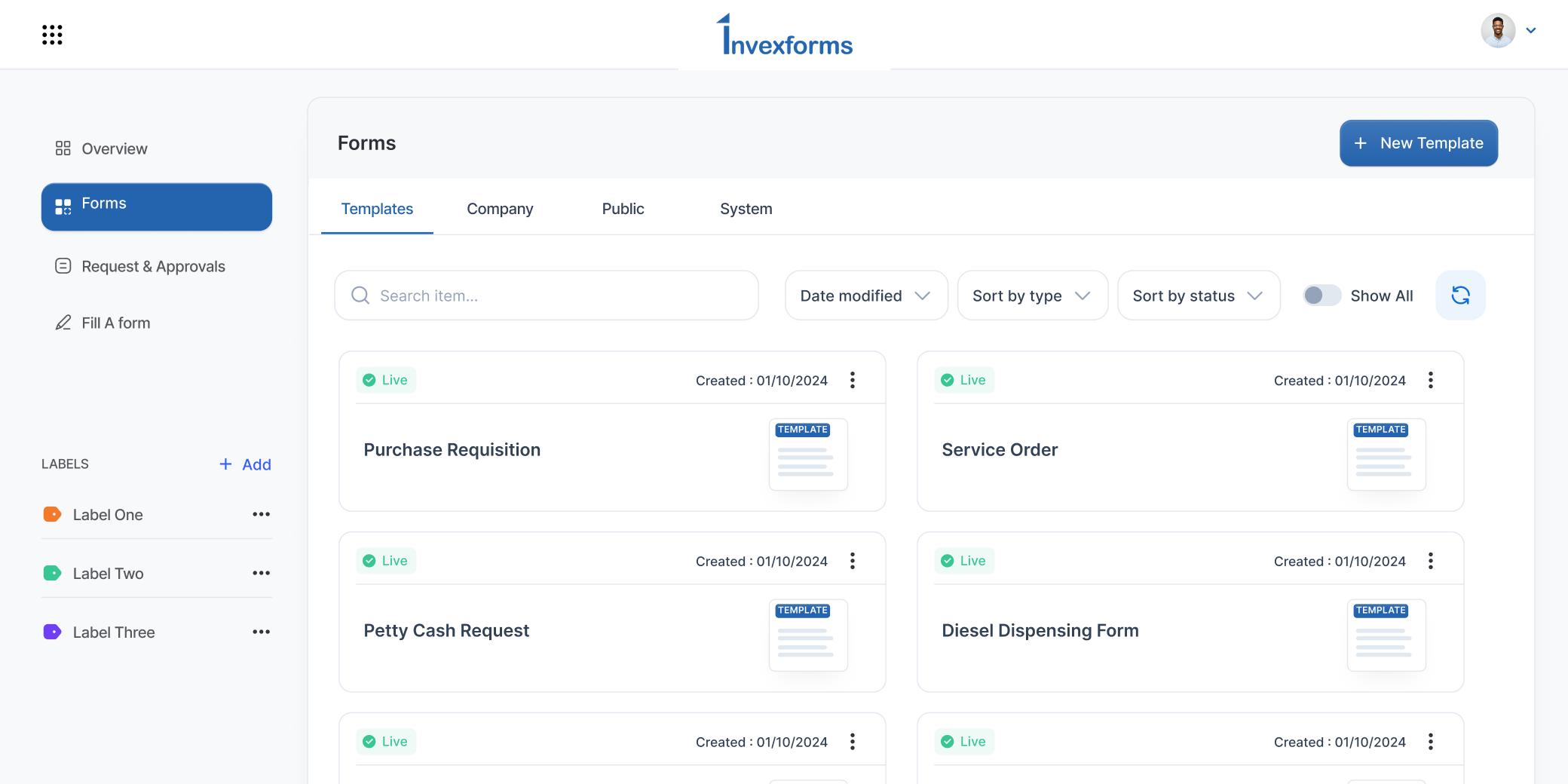
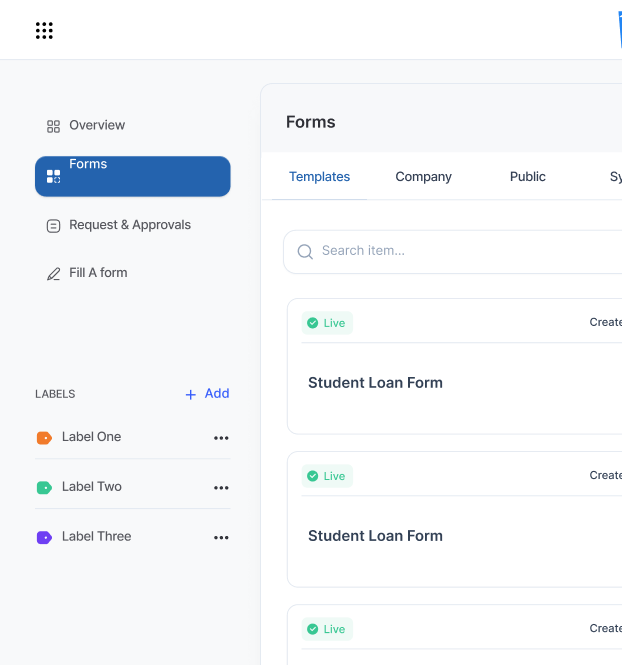
Every approval Verified
An approval is only as good as the person behind it. InvexForms asks approvers to confirm with Face ID or fingerprint on a trusted device, so a signature on a requisition proves who authorised it, not just who was logged in.
- Face ID & fingerprint
- Web, iOS & Android
- Time-stamped audit trail


Trusted by 8,000+ users across leading organizations globally


Why it matters
A password proves a login.
It doesn't prove a person.
Most approval fraud doesn't involve breaking into a system. It involves a shared password, an unlocked laptop, or a junior staffer "helping" a manager clear a backlog. The audit trail looks perfect, it just records the wrong human.
Biometric confirmation closes that gap. The approver's own face or fingerprint, on their own registered phone, is required before the approval is written to the record and their signature added to the document.
- Shared or borrowed credentials stop workingA stolen session can open a request, but it can't produce the approver's face.
- Disputes end quicklyEach approval carries the device, method and timestamp used to confirm it.
- Auditors get one continuous recordRequisition, approval, disbursement and retirement stay linked, now with identity attached.
- Approvers aren't slowed downA confirmation is one tap. No codes to read, no authenticator app to open.
How it works
Four steps. About eleven seconds.
Biometric confirmation sits on top of your existing approval chains. Nothing about your workflows, thresholds or delegation rules changes.
Enrol a device once
The approver pairs their phone from Security settings by scanning a QR code and confirming with Face ID or fingerprint.
Act as normal
On web or mobile they open a request and choose Approve, Approve & Send, Approve & Close or Deny.
Confirm biometrically
The trusted phone shows what's being approved, by whom and for how much. One tap with Face ID or fingerprint confirms it.
Signed and logged
Only then is the approval written, with the device, method and timestamp recorded against the request.
Capabilities
Built for real approval workloads.
Controls for the finance leads who set policy, and shortcuts for the approvers clearing sixteen requests before a board meeting.
Face ID and fingerprint
Uses the biometric sensor already on the approver's phone. Devices without one fall back to the phone's passcode.
Trusted devices
Each approver registers up to two phones. Devices can be renamed or revoked instantly, and a revoked device can't confirm anything.
Value thresholds
Require confirmation only above a limit you set, so low-value items clear fast and material spend gets the extra check.
Time-boxed prompts
Confirmation requests expire after a short window. An unanswered prompt can never be confirmed later by someone else.
Full audit trail
Every confirmation, decline and timeout is recorded against the request with device, method and time, exportable for audit.
Backup access
Lost phone? One-time recovery codes and an admin bypass keep approvals moving without weakening the policy.
Privacy by design
Your face never leaves your phone.
InvexForms never sees, receives or stores biometric data. Enrolment creates a key pair inside the phone's own secure hardware; only the public half is registered against the account. A confirmation is a signature from that key, released by the phone once it recognises you.
- No biometric templates transmitted or stored
- Keys are device-boundRemoving a device destroys its ability to confirm, immediately.
- Approvers see what they're signingRequester, amount and reference appear on the phone before confirmation.
For administrators
Set the policy once. Watch it hold.
Turn biometric confirmation on for everyone, or only above a value that matters to your business. Track who has enrolled, and see declined confirmations as what they are, a security signal.
- Organisation-wide enforcementApplies across web and mobile, with an enrolment prompt at the approver's next action.
- Enrolment trackingSee which approvers are covered and remind the ones who aren't.
- Security alertsA declined confirmation means someone tried to approve as that user. You'll know.
- Controlled recoveryBypasses are time-limited, logged, and can require a second administrator.
Administration → Approval security
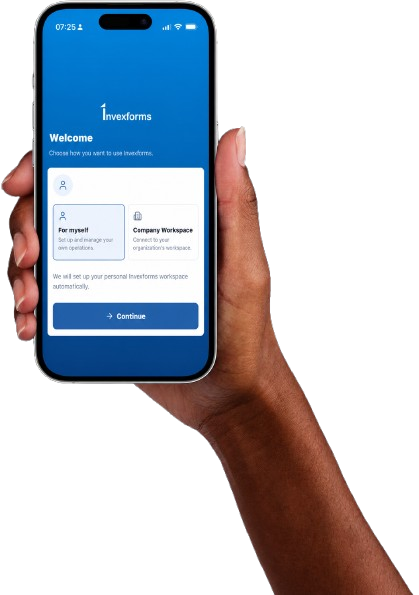
Manage Requests and Approvals from Anywhere
Create requests, review submissions, approve workflows, upload supporting documents, and track progress directly from your mobile device.


Questions